

We don’t operate a normal schematic in regards to having a Telegram Username due to our popularity, many “rippers” and “fraudsters“, attempting to clone our identity to defraud our customers. Therefore customers have to message us in a more analog format, below are two options for messaging our revolving support staff. Option 1 being the most comprehensive, Option 2 being the most direct and simplest. We hope to speak to you soon — Python Cards CEO.
Option 1: Messaging via Telegram Channel
Step 1: Copy and Paste the Following Link Onto Your Normal Browser (Chrome, Safari, Opera, Etc), on a PC with Telegram Official Application Installed:
https://t.me/+uhPrCzSTKqY0NGJk
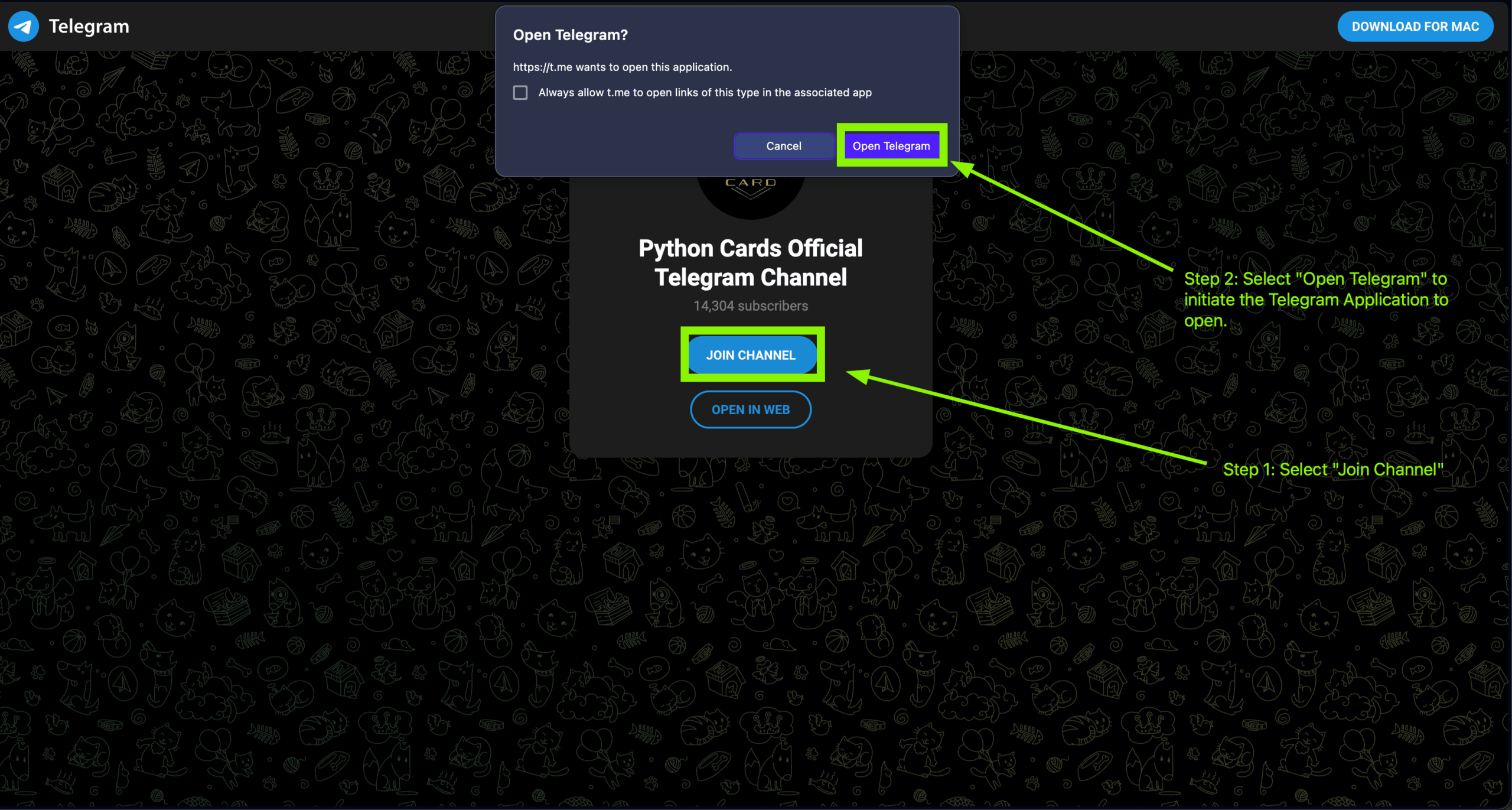
Step 2: Select “Join channel” and then “Open Telegram” (depending on device it could open automatically w/o prompting)
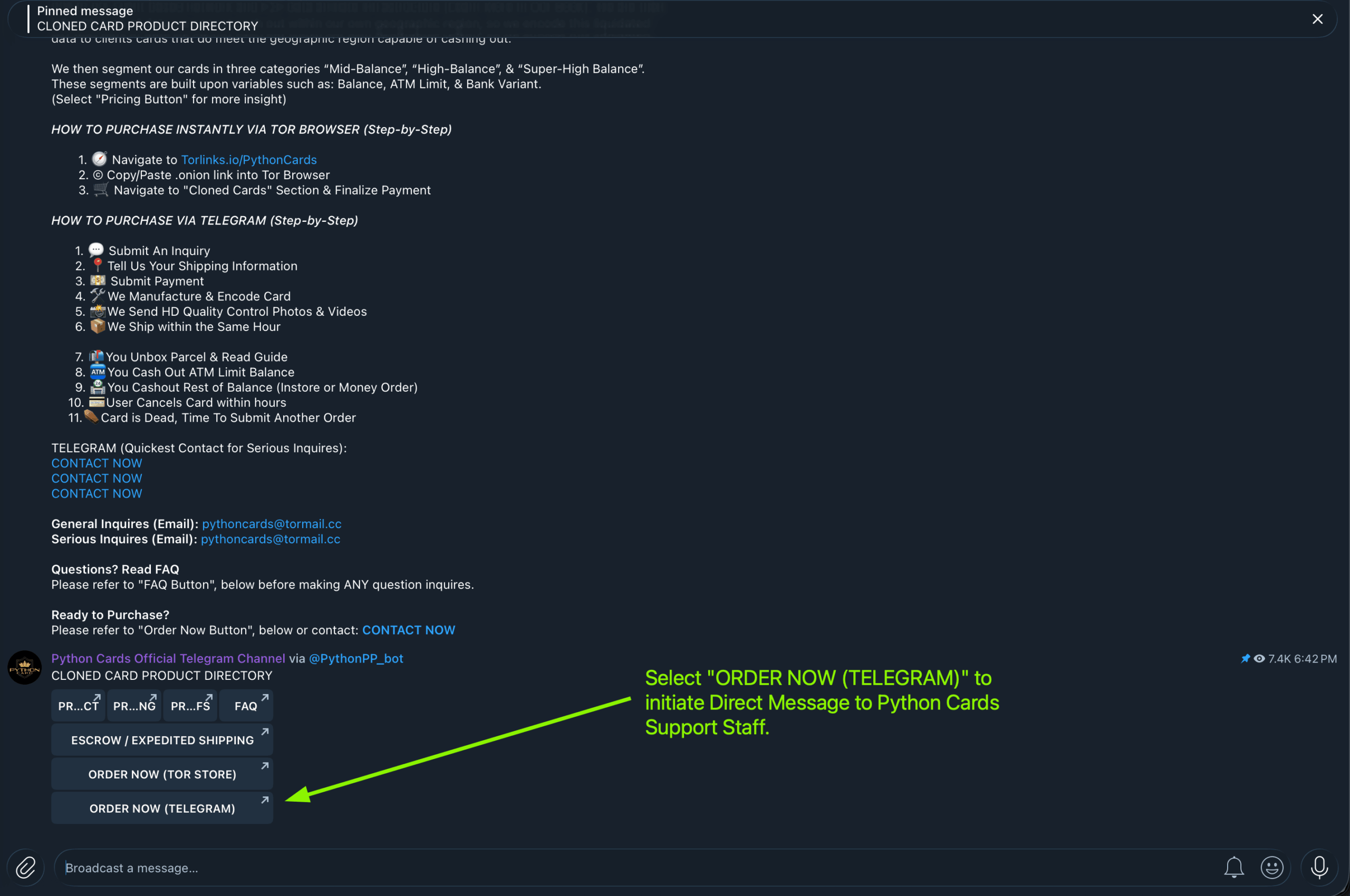
Step 3: Upon joining or viewing Python Cards Telegram Channel, select “Order Now (Telegram)“. This will initiate a direct message, we recommend selecting the other buttons on the channel for further scope of the product.
Note: Depending on time you are opening this page, our channel’s last recent post’s could be different, however the pinned post will remain as the directory, and the button layout will stay the same.
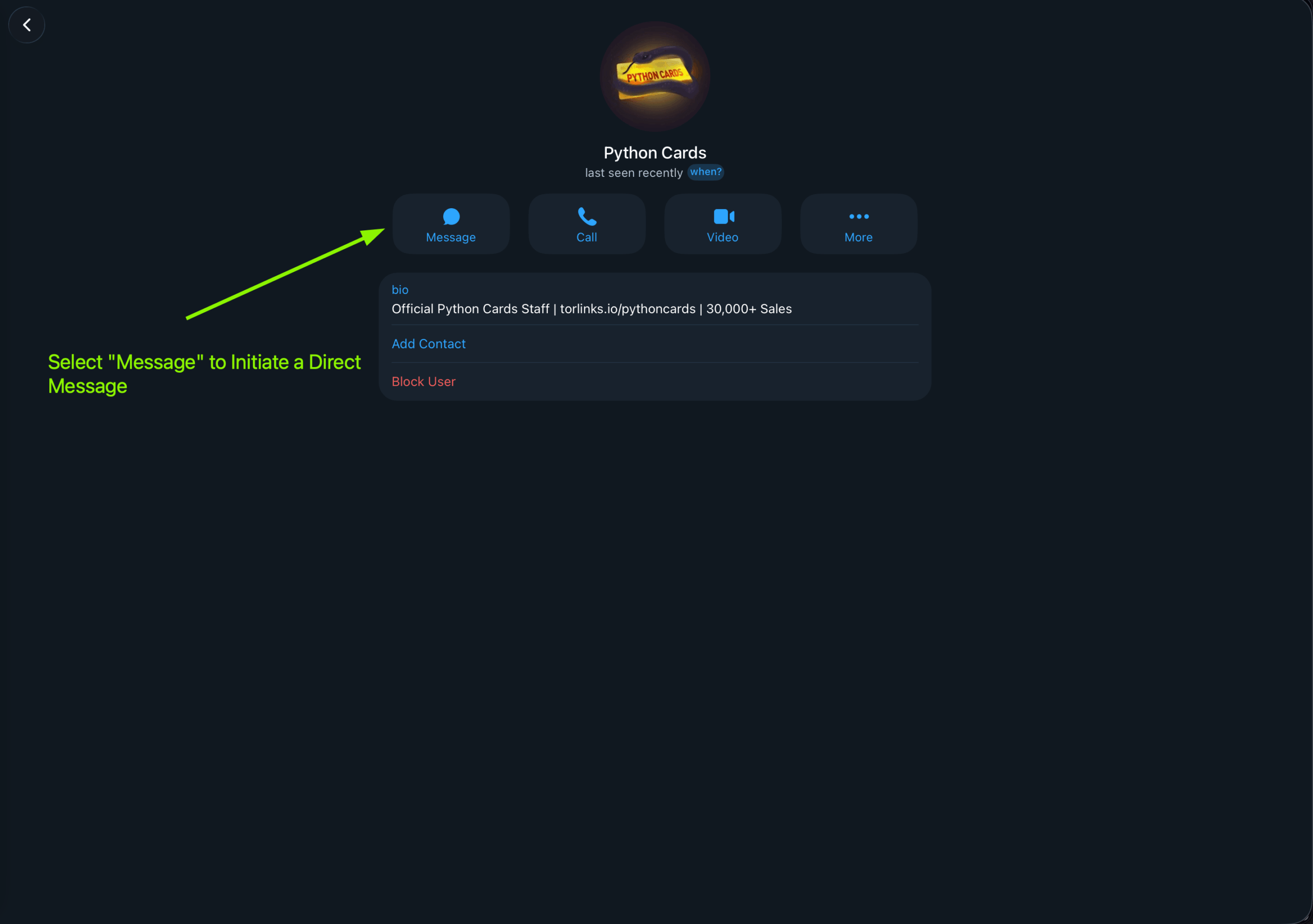
Step 4:Once Opened You Can message us securely on Telegram via Direct Inbox, by simply selecting “Message” once opened. We operate on very set hours, there may be an automated reply, if this is the case, simply wait for a support representative to help you upon business hours.
Option 2: Opening a Direct Inbox
Step 1: Copy and Paste the Following Link Onto Your Normal Browser (Chrome, Safari, Opera, Etc), on a PC with Telegram Official Application Installed:
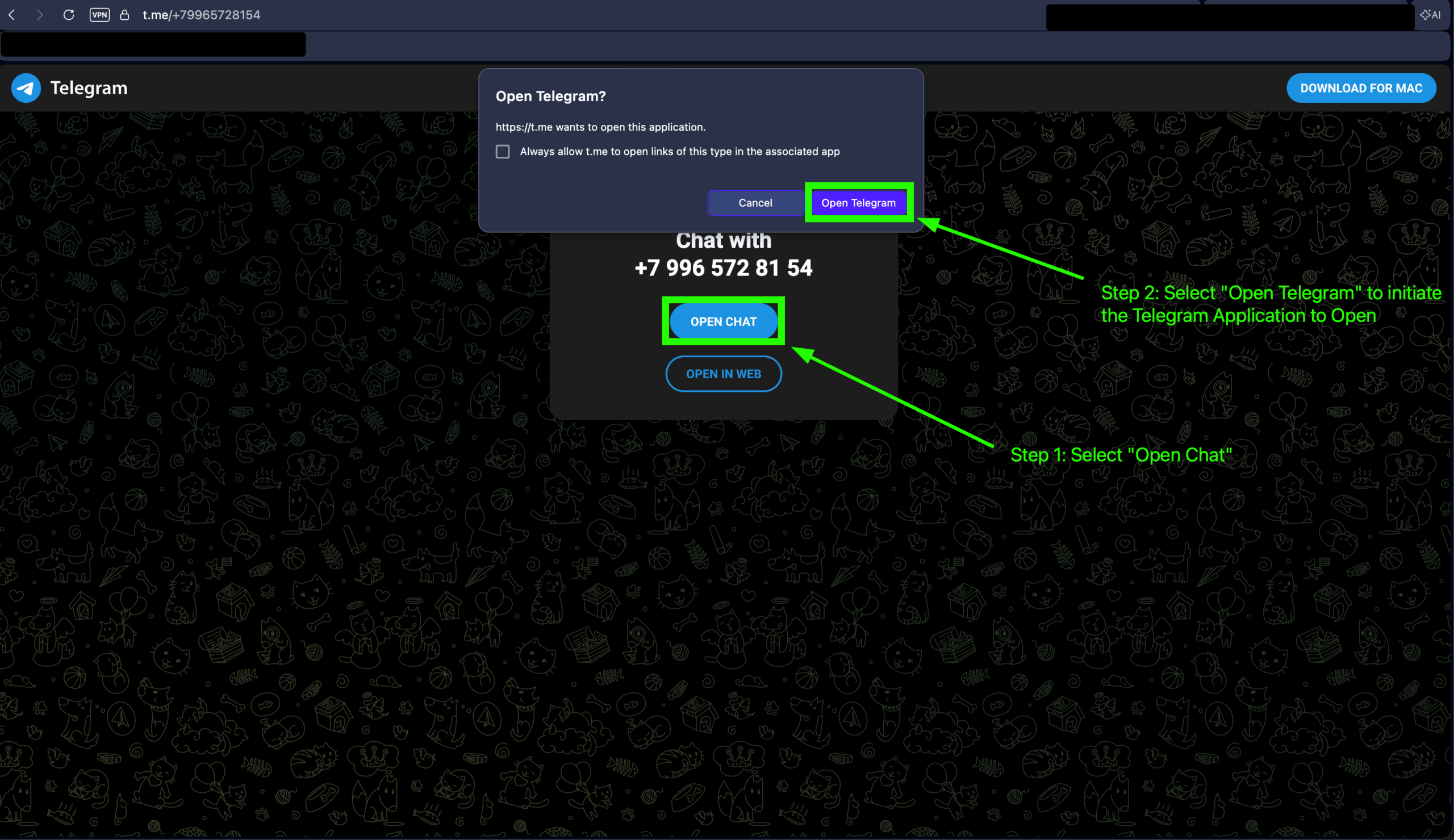
Step 2: Select “Open Chat” and then “Open Telegram” (depending on device it could open automatically w/o prompting).
Step 3: Once Opened You Can message us securely on Telegram via Direct Inbox, by simply selecting “Message” once opened. We operate on very set hours, there may be an automated reply, if this is the case, simply wait for a support representative to help you upon business hours.
